


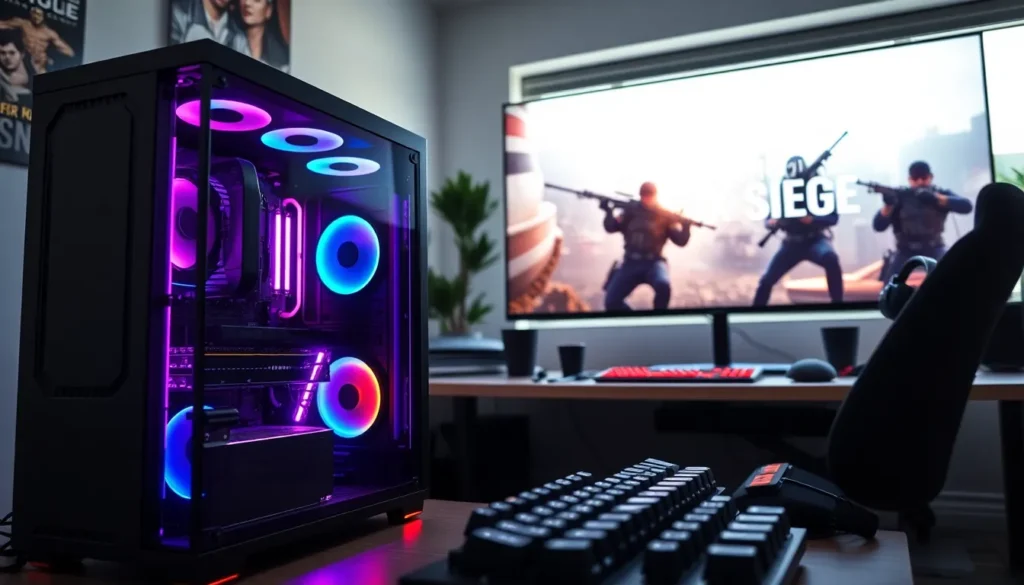
In the ever-evolving world of gaming, understanding every component’s role is crucial, especially when it comes to a tactical shooter like Rainbow Six Siege. Now, you might think, “RAM? Isn’t that just the stuff that comes in those boxy computer parts?” Well, not quite. Think of RAM as your short-term memory, helping your system juggle all the intense action happening on-screen while you plan your next tactical move. So, whether you’re a seasoned player or a newcomer looking to elevate your game, getting to grips with how RAM influences your Rainbow Six Siege experience might just save your virtual bacon.
Overview of Rainbow Six Siege
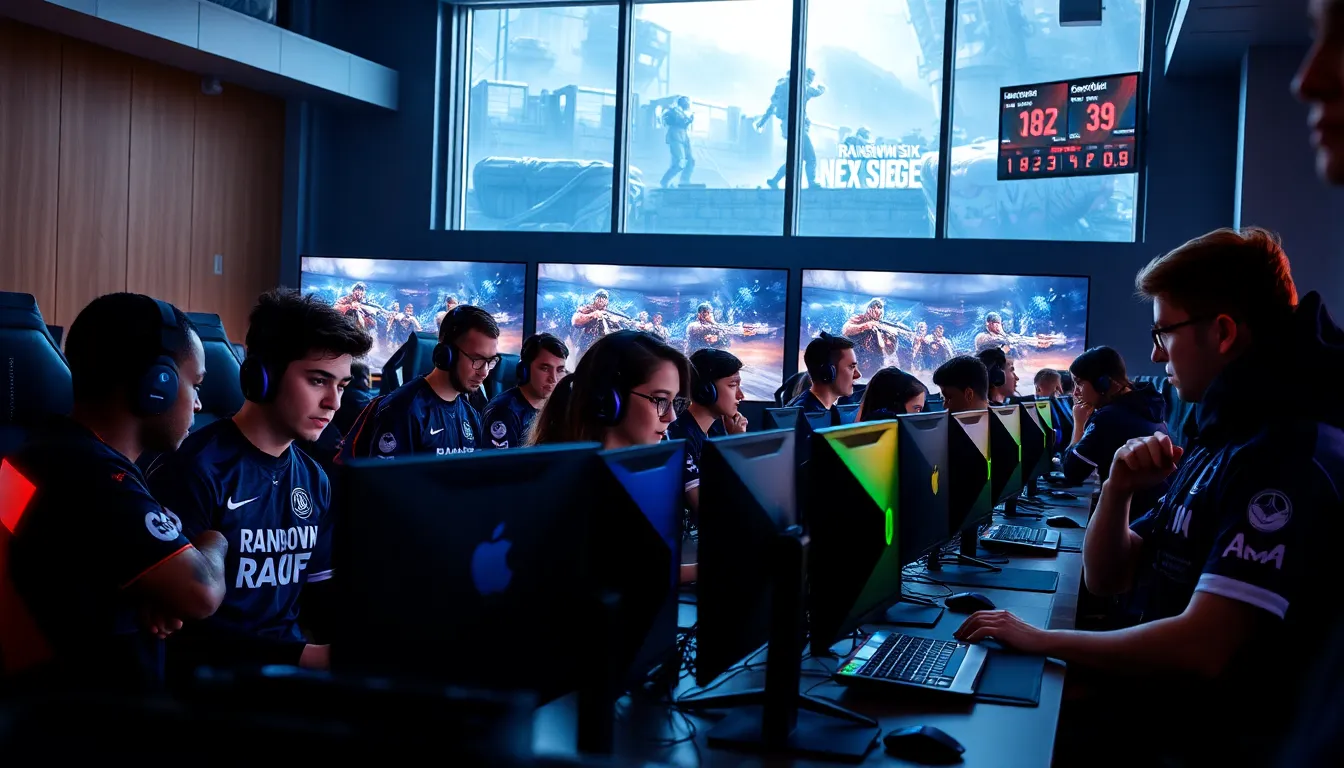
Rainbow Six Siege is not just another first-person shooter: it’s a tactical masterpiece that thrives on strategy, teamwork, and skill. Developed by Ubisoft, this title pits players against each other in intense 5v5 engagements where every decision counts. Set in various locations around the globe, players take on the roles of either attacking operators or defending units, complete with unique gadgets and skills. The game’s destructible environments add another layer of realism, pushing players to think on their feet and adapt their tactics dynamically. With seasonal updates and a robust esports scene, Rainbow Six Siege has firmly established itself in the gaming community as a thrilling, competitive platform.
Game Mechanics and Features
At its core, Siege is all about communication and tactical prowess. Players must not only master their individual operators but also cooperate with teammates to devise effective strategies. Each operator brings distinct abilities, creating diverse team compositions. Reinforcing walls, hacking drones, and deploying shields create a strategic diversity that keeps gameplay fresh. Also, the game features multiple modes, including Bomb, Secure Area, and Hostage, each demanding different tactics based on the map and team composition.
Understanding RAM in Gaming
RAM, or Random Access Memory, acts as your system’s temporary workspace. When playing games like Rainbow Six Siege, ample RAM ensures smooth performance and quick loading times. It holds the game’s currently active data, such as textures and character models, enabling rapid access for the CPU, meaning less lag and more fluid gameplay.
Optimal RAM Requirements for Rainbow Six Siege
For the best experience, players should ensure their system has adequate RAM. While Siege can run on lower specs, aiming for 16GB of RAM ensures a seamless experience, particularly during intense firefights with multiple players.
Minimum vs. Recommended Specifications
The minimum requirement for Rainbow Six Siege is 6GB of RAM. But, the recommended specification jumps to 16GB. This difference signifies how much smoother the game runs, especially when multitasking, such as streaming or communicating through voice chat.
Performance Impact of RAM on Gameplay
The amount of RAM directly influences how well Rainbow Six Siege performs. Insufficient RAM can lead to stuttering frames and longer loading times while you’re anxiously awaiting the next match.
Tips for Optimizing RAM Performance
To unleash the full potential of your RAM:
- Close Unnecessary Applications: Minimize background processes to free up memory.
- Upgrade to Faster RAM: Not all RAM is created equal. Opt for speedier options to boost performance.
- Regularly Update Drivers: This ensures your system meets game requirements and can handle intensive scenarios.
Adjusting Game Settings for Better Performance
Customizing in-game settings, such as lowering texture details and adjusting the field of view, can improve frame rates significantly. Turning off V-Sync can also help reduce input lag, allowing for a quicker response in high-stakes situations.
Upgrading Your RAM for Enhanced Experience
As competitive gaming evolves, so too does the need for better hardware. Upgrading RAM not only enhances performance in Siege but in other games as well. Adding more RAM can significantly improve loading times and provide a smoother experience, especially in resource-intensive sessions.
Consider investing in dual-channel RAM, as this setup offers increased bandwidth compared to a single module. When changing hardware, always check compatibility with your motherboard to avoid unpleasant surprises.
Future of RAM in Competitive Gaming
As technology advances, the demands of competitive gaming increase. Emerging trends suggest that future games will require even more RAM and faster speeds to render the intricate details seen in today’s gaming updates. Also, the rise of VR and AR gaming means that hardware, including RAM, must keep pace with these innovations. Developers are likely to push the boundaries of what gamers expect in terms of graphics and processing power, emphasizing the importance of upgrading systems for peak performance.